

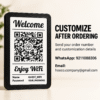
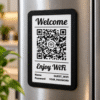
Custom WiFi QR code sign with a welcoming appearance and a personal purpose—meet Scan & Stay by HOECO. Bring your guest network information into one thoughtfully arranged display, with a classic black-and-white design that complements different interiors.
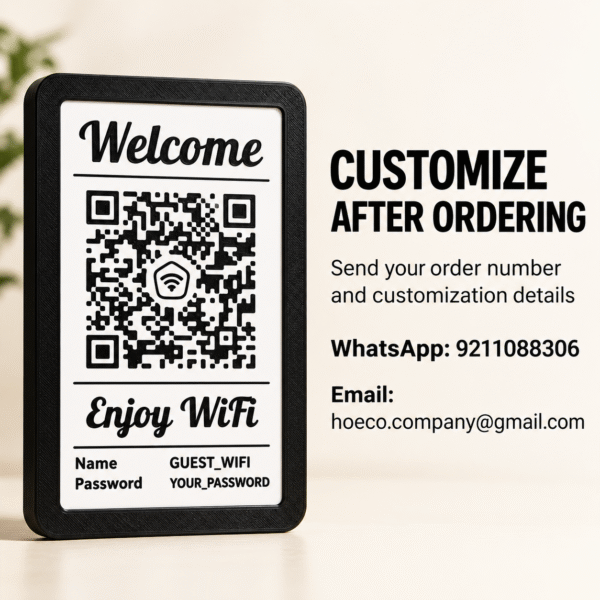
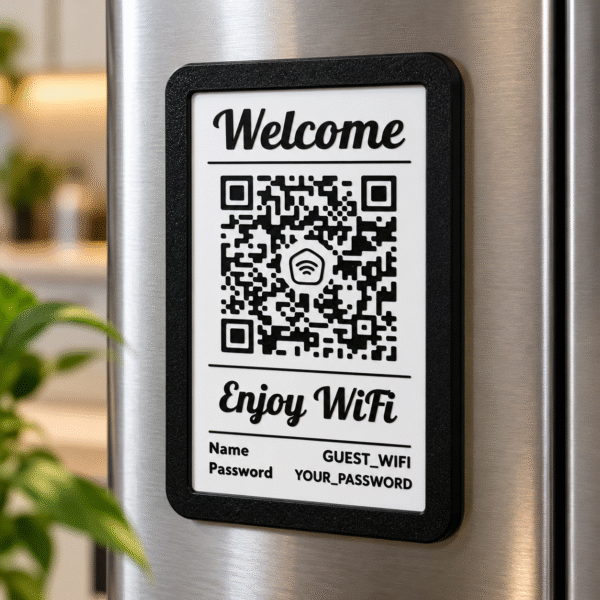
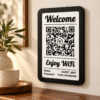
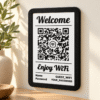
The pictured style combines a rounded black frame, a white face, a welcoming heading, and a central QR code area. Network-name and password fields complete the layout, creating a dedicated place for the information you want guests to find.
Whether you are refreshing your home’s guest area or arranging a reception space, Scan & Stay adds a considered detail to your hosting setup.
A Welcome Sign with a Personal Touch
Small details can make a guest area feel thoughtfully prepared. A dedicated WiFi display gives network information a recognizable place rather than leaving it on an informal note.
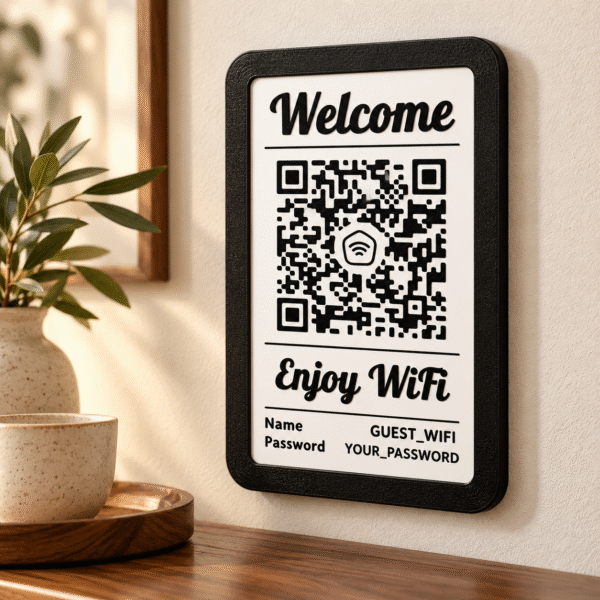
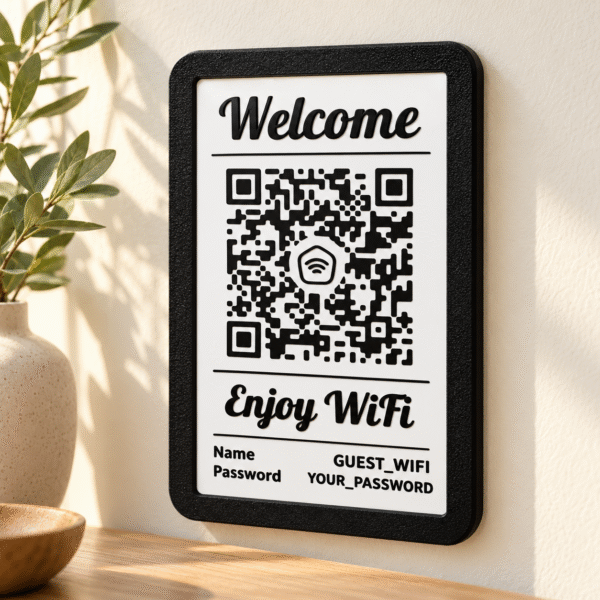
The reference design features “Welcome” above the QR area and “Enjoy WiFi” below it. Fine divider lines separate the sections, while the contrasting frame defines the plaque’s outline.
This arrangement balances decorative lettering with practical information. The white background and black details create a consistent look that works beside wood furniture, neutral walls, and simple accessories.
Your custom WiFi QR code sign can become part of a wider welcome arrangement alongside other information you provide for visitors.
Personalize Your Custom WiFi QR Code Sign
Personalization begins with the information you want the finished sign to display. Confirm the available wording and layout options before submitting your details.
For a WiFi version, prepare the exact guest network name and password, including capitalization, spaces, and special characters. These details should match the network you intend visitors to use.
Confirm the network security type when required to generate the code. If you already have a QR file, ask whether it can be used and what file format is needed.
Check that the visible wording and encoded information agree. A custom WiFi QR code sign should be prepared using a correctly generated code and checked on compatible devices before use.
The product images show sample network details and illustrative QR patterns. They demonstrate the appearance of the design rather than a working customer configuration.
Three Brilliant Places to Display It
1. Style Your Custom WiFi QR Code Sign at Home
Place the sign in a suitable guest area where visitors can easily see it. A console, entryway, or shared living space can provide a convenient location, depending on the confirmed display method.
Pair it with restrained accessories so the wording remains visible and the code area stays unobstructed.
2. Add It to a Guest Room
A dedicated display can bring network information into the same area as other welcome details.
Choose a position guests can comfortably view without moving furniture or reaching behind decorative objects. Consider lighting and viewing angle when arranging the room.
3. Create a Reception Display
Use a custom WiFi QR code sign as part of an organized reception or visitor-information area.
The black-and-white style complements a range of counters and surrounding décor. Check the permitted display options and choose a location appropriate for the intended audience.
How to Send Your Details After Ordering
After placing your order, send your order number and customization details to HOECO through either contact below:
- WhatsApp: 9211088306
- Email: hoeco.company@gmail.com
Include the exact network name, password, and any requested wording. Add a QR file if you already have one and the seller confirms it is suitable.
Review your message carefully before sending. Pay particular attention to uppercase and lowercase letters, punctuation, and spaces within the network information.
Provide details for the guest network you intend to display. Avoid including unrelated account credentials.
For questions about supported layouts or files, contact HOECO before submitting your final personalization information.
A Black-and-White Design for Your Space
The pictured custom WiFi QR code sign uses a simple palette that fits comfortably into different settings.
Against a cream wall, the black frame creates a defined outline. Near warm wood, it adds contrast without introducing another accent colour.
Keep nearby accessories minimal to give the plaque room to stand out. Its welcoming lettering provides decorative character while the central layout keeps the purpose apparent.
Reviews
There are no reviews yet.